Practical guide by WowCards AI
How to make an AI greeting card from a photo
A useful workflow starts with a clear source image, one coherent idea, and concrete criteria for a successful result.
WowCards AI editorial team
1. Choose the source photo
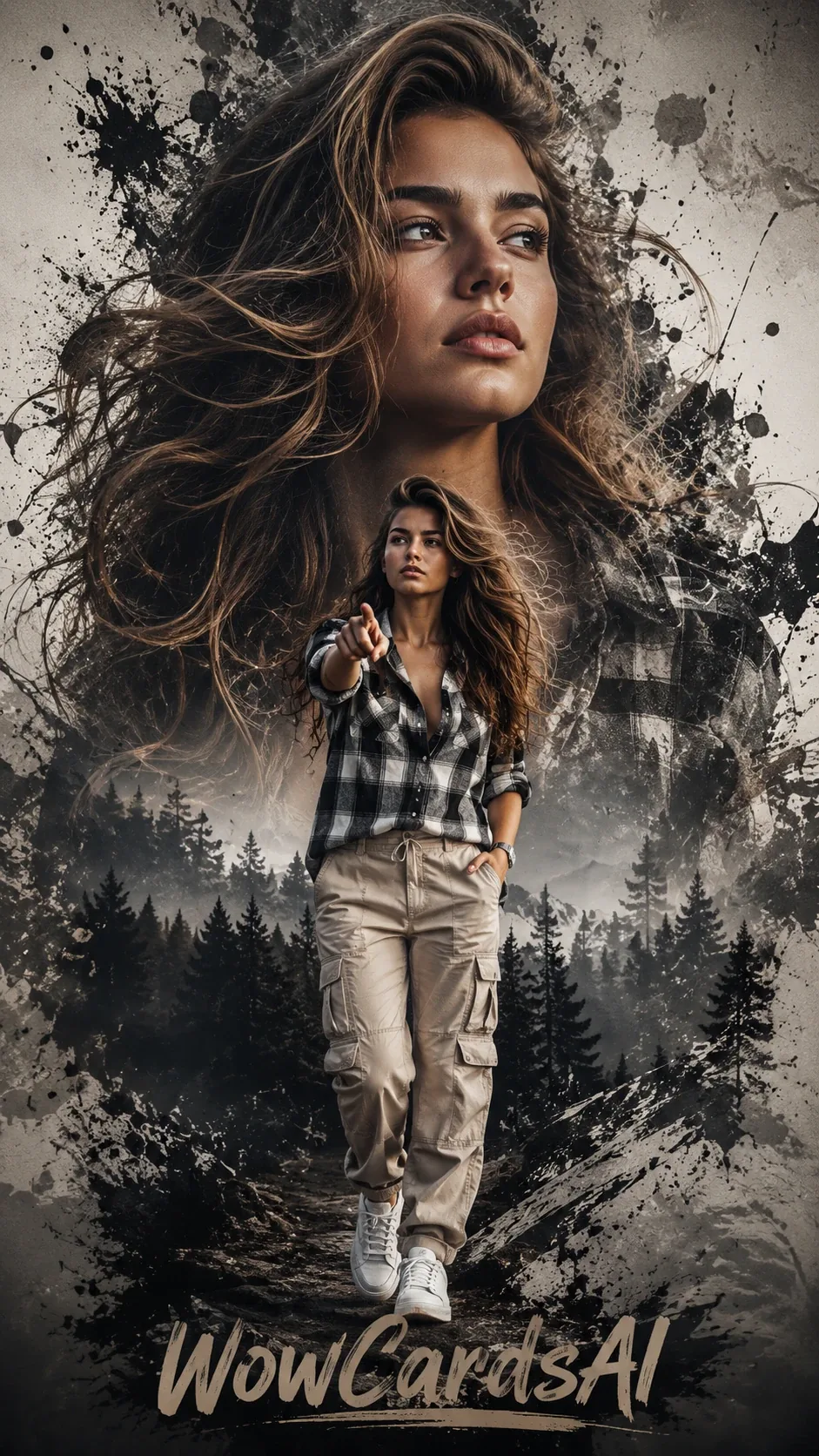
Use a clear, lightly processed portrait with visible eyes and an expression suited to the scene.
2. Define one story
Describe the recipient, occasion, one key detail, and tone.
3. Set likeness criteria
Note face shape, hair, age, glasses, beard, or expression that must remain stable.
4. Add copy after the visual direction
Keep the line short enough to read on a phone.
5. Review the preview
Check likeness, hands, small objects, spelling, contrast, and crop.
6. Export for the channel
Messaging, print, and Stories may need different proportions.